
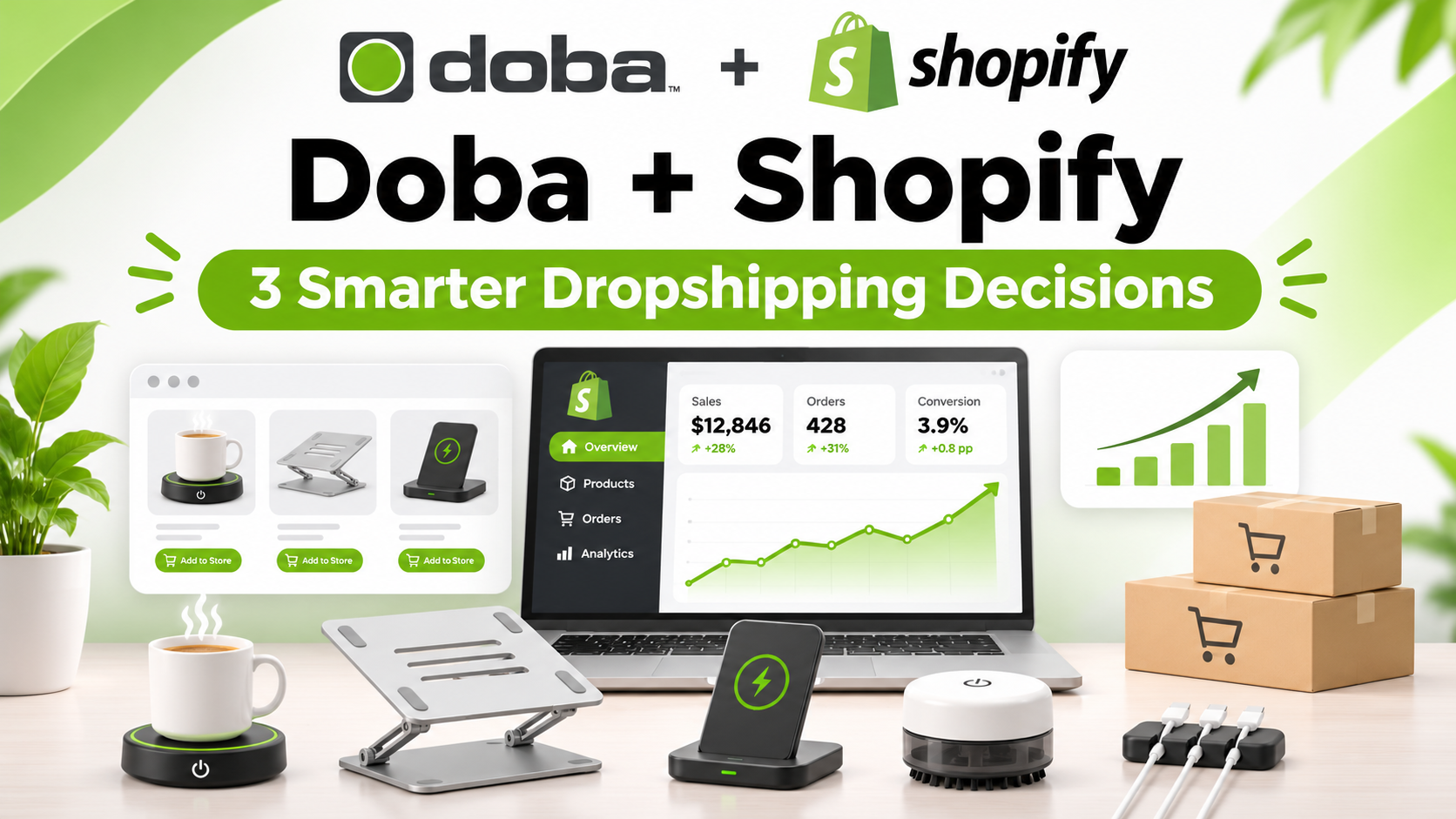
Sponsored content: This article accompanies my Doba collaboration. Shopify sales, orders, and analytics shown in the demonstration are illustrative test-store data, not actual earnings.
Getting visitors to an online store is exciting. But here’s the question I always come back to: are those visitors helping the business grow, or are we just watching numbers move around a dashboard?
Dropshipping isn’t simply about finding products and putting them on a website. You also have to understand what shoppers are doing, what you’re keeping from each sale, and whether your suppliers can deliver on your promises. In my latest Inside Your Hustle video, I walk through three ways I would use Shopify and Doba together to make better decisions—without guessing.
Watch: Stop Guessing! Smarter Dropshipping With Doba + Shopify
1. Read Shopify Analytics Before Changing Everything
The first place I’d check is Shopify Analytics. Five numbers tell a more useful story when they’re viewed together: sessions, orders, conversion rate, total sales, and average order value. A big traffic number looks great, but if visitors aren’t buying, I need to find out why.
Here’s a simple illustrative example: 1,000 store sessions and 20 orders produce a 2% conversion rate. If the average order is $40, that represents $800 in sales—not $800 in profit. Those are teaching figures, not results from the test store.
Next, I’d compare periods and traffic sources. If visits are low, I’d look at my marketing and discoverability. If visits are healthy but conversions are weak, I’d inspect product photos, descriptions, pricing, shipping information, and checkout friction. The goal isn’t to react to one impressive number; it’s to find the next sensible improvement.
2. Use Doba and Shopify to Evaluate the Products
For the second demonstration, I look at a collection of practical desk and productivity gadgets. They’re familiar, easy to understand, and they give me a useful way to talk about product choice, selling prices, supplier costs, and the customer experience.
These are the five Doba product listings I explored as research examples:
- Coffee mug warmer — a practical desk accessory
- 4-in-1 wireless charging stand — a multipurpose charging setup
- Adjustable laptop stand — a workspace organization product
- Portable desktop vacuum — designed for small desk messes
- Cable organizer clips — a simple cord-management option
Now, let’s talk about something that can fool a new seller: a $40 sale is not $40 in your pocket. In another hypothetical calculation, suppose product and shipping cost $18, payment fees cost $4, and advertising costs $10. That leaves $8 before returns, overhead, and taxes. Your real numbers will vary, but the lesson stays the same: selling price isn’t the same thing as profit.
This is where I see Shopify and Doba working together. Shopify helps me examine what’s happening in the store. Doba gives me product and supplier information to research possible improvements or alternatives. I’d separate products into three decisions: keep those with encouraging demand and workable economics, improve listings that attract attention but don’t convert, and replace products whose demand or margins just don’t make sense.
3. Check Supplier Reliability Before It Becomes a Customer Problem
A product can look terrific on your storefront and still disappoint if delivery doesn’t match expectations. That’s why I want to check processing time, shipping estimates, inventory information, warehouse or shipping origin, return terms, and any fulfillment issues I can verify.
For example, imagine a supplier who usually processes an order in two days starts taking six. That would prompt me to investigate, communicate realistic delivery expectations, and consider a backup supplier. Those times are illustrative; they’re not an assessment of a real Doba supplier.
I also like the idea of a simple personal supplier scorecard. I can evaluate fulfillment reliability, processing time, returns, and customer complaints. This is my own decision-making framework—not an official Doba supplier rating. Doba is useful here as a place to research sourcing options, while actual order performance is something I’d track once a store is operating.
My 30-Minute Weekly Dropshipping Check-In
You don’t need to stare at a dashboard all day. I’d rather spend about half an hour each week reviewing the essentials and making one or two purposeful changes.
- Sales: Are orders and revenue moving in the direction I expected?
- Traffic and conversion: Are shoppers arriving, and are they buying?
- Product economics: What’s left after sourcing, shipping, fees, and marketing?
- Fulfillment: Are processing and delivery times meeting expectations?
- Returns and feedback: What are customers telling me to fix?
I’d write down what I changed and check the following week. That way, I’m learning from the store instead of constantly changing the store.
The Bottom Line: Smarter Dropshipping, Not More Guesswork
What I like about this approach is that it keeps the work practical. Shopify helps me understand shopper behavior, while Doba helps me research products and suppliers. Neither replaces judgment, but together they give me better questions to ask before I spend more money or add more products.
You can explore current listings and sourcing options at Doba, and watch my full walkthrough in the video above. Product availability, supplier prices, shipping estimates, and platform features can change, so check current details before making business decisions.
More Dropshipping Guides from Inside Your Hustle
Want to keep learning? Read my Doba Pilot 3.0 tutorial or explore three seasonal products to sell online year-round.
Your turn: What would you check first in your Shopify store—your products, your sales numbers, or your suppliers? Let me know in the comments. And remember, you are amazing!



Leave a Reply