

Did you know creators who post short-form video at least three times a week grow followers twice as fast? This pace seemed impossible for me, juggling a day job and a side business—until I found TopView.
I tried TopView out of curiosity. I needed a tool that could keep up with my ideas. After just an afternoon, I learned to create high-quality content in minutes. TopView’s AI-powered video creation made the process faster, letting me focus on strategy and growing my audience.
This guide will show you how to make content in minutes with TopView. I’ll explain how to set it up, create your first AI-generated video, and share tips for quick content generation. These tips will help you stay consistent without getting burned out.
Speed is key because consistent content means more visibility. With TopView, you can create short-form videos, captions, voiceovers, AI scripts, and visuals for TikTok, Instagram Reels, YouTube Shorts, and social ads.
Expect to see fast content creation that streamlines your workflow. You’ll also get instant content for ads and social media, and SEO-friendly videos and captions. These will help you achieve financial independence and personal growth.
Key Takeaways
- TopView helps you create high-quality content in minutes with AI-driven tools.
- You can make content in minutes with this tool—perfect for busy side-business builders.
- Use TopView for fast content creation: videos, captions, voiceovers, and AI scripts.
- Consistent posting boosts visibility, audience growth, and monetization potential.
- TopView is an efficient, time-saving content tool that supports instant content creation.
What is TopView and Why You Need It
I remember the first time I used TopView. I had a 60-second idea and, in just five minutes, I had a clip ready to edit. It was like having a smart assistant that sped up the whole process.
Understanding TopView’s AI-Powered Features
TopView is a platform that automates scriptwriting and selects visuals. It adds captions and creates voiceovers. The script generator turns topics into short, engaging scripts for social media.
The AI also suggests stock footage and images. It ensures they fit the right platform ratios. The tool’s text-to-speech feature makes voiceovers sound natural. Automatic captioning boosts accessibility and watch time.
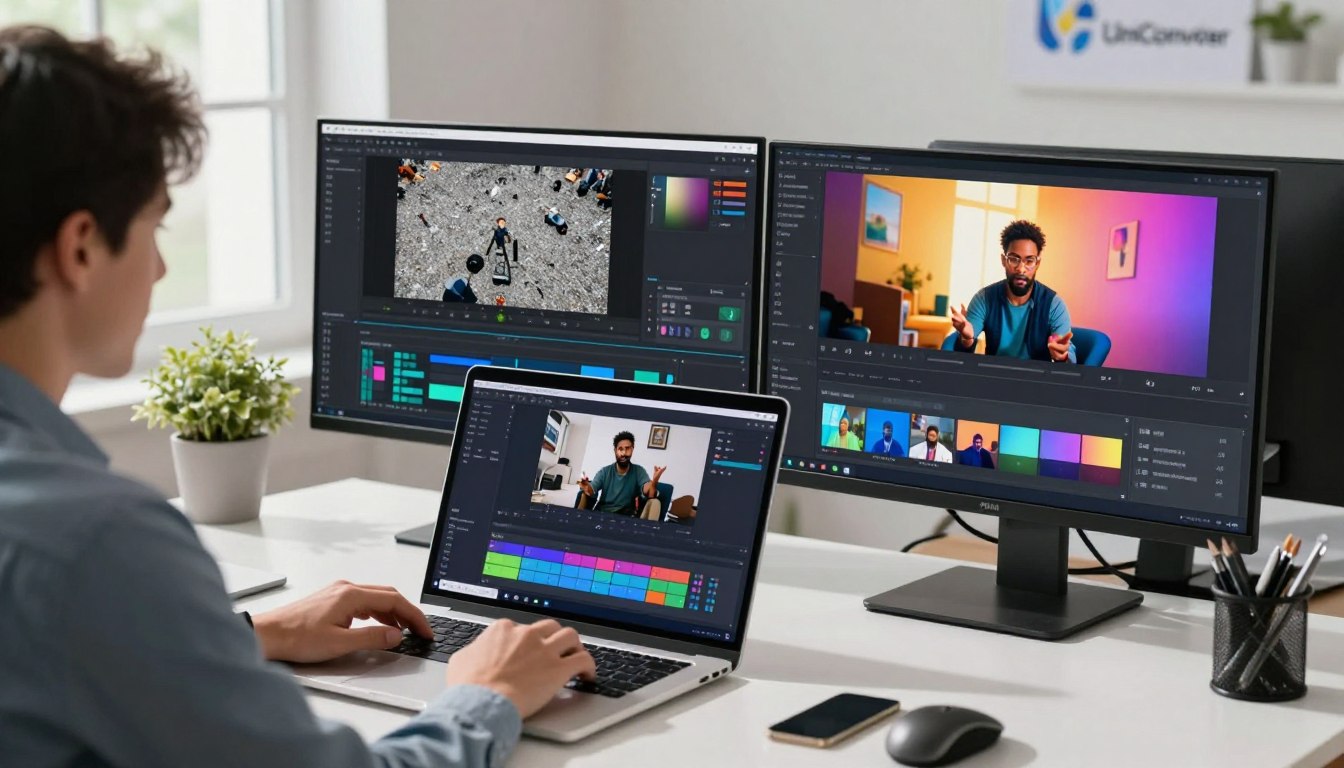
Editing assistance helps with auto-cutting and pacing. It suggests B-roll to keep viewers engaged. Export options make it easy to publish on TikTok, Instagram Reels, and YouTube Shorts.
Benefits for Creators, Marketers, and Businesses
TopView saves hours of work, making content creation fast. It’s perfect for entrepreneurs with a day job and a side hustle. I used it to create short clips for a product test, which increased engagement.
Teams can produce consistent content quickly. This helps test messaging and iterate fast. The platform also lowers costs by replacing complex shoots for short-form campaigns.
Supported Platforms and Content Types
TopView is great for short-form social video on TikTok, Instagram Reels, and YouTube Shorts. It handles social ads from 6 to 30 seconds. It also repurposes long-form material like podcasts into clips.
Marketers use it for ad tests, and creators post daily with it. For those looking to build additional income streams, TopView makes consistent output possible.
Make Content in Minutes With This Tool!
I walked into TopView with a blank idea and left with a ready-to-publish clip in under ten minutes. I’ll show you how to do the same. You can make content fast with this tool, and I’ll guide you every step of the way.

Setting Up Your TopView Account
I started by creating an account and choosing a starter plan with a free trial. I uploaded my logo and brand colors. Setting a simple brand style sheet first made later edits easier and ensured consistent visuals.
TopView asked about my niche, target audience, and content goals during onboarding. This helped the platform suggest the right templates for me. I linked my Instagram and YouTube for direct publishing and analytics, making my workflow simpler.
Tip: prepare a one-page brand guide — fonts, logo placement, and tone — so the easy content maker populates projects faster next time.
Creating Your First AI-Generated Video
I picked an awareness goal for a weekend webinar and entered a short prompt. The instant content creator gave me a hook, middle, and CTA for short attention spans.
I reviewed the draft and trimmed it to a 30-second clip. A small edit to the hook made it more specific to my audience. This shows how easy content generation becomes with practice.
The fast content generation tool suggested footage, but I used a selfie clip for authenticity. I chose a 9:16 ratio for TikTok and 16:9 for YouTube Shorts, keeping pacing tight and captions readable.
Exporting took seconds. I toggled watermark options, picked file quality, and used direct publishing to upload to my channels.
Customizing Scripts, Visuals, and Voiceovers
I fine-tuned the script to a mentor-style CTA. For example, I changed a generic line to: “Join me this Saturday — I’ll show one simple tactic to grow your side income.” This made it warmer and more actionable.
Visual edits included swapping stock clips for my brand colors and placing the logo where it didn’t block text. Be careful of overcrowded overlays and mismatched music when customizing visuals.
TopView offers AI voices and an upload option for real narration. I often use my own voice for trust-building and an AI voice for quick tests. Voice choice affects perceived authority — choose what fits your goal.
Captions were auto-generated. I edited them to include target keywords and hashtags for better visibility on TikTok and YouTube Shorts. For fast batches, I create 5–10 scripts at once to save time.
When you need extra help, check out a short guide on using faceless templates. It pairs well with this workflow and can spark ideas for your next batch: https://www.topview.ai/?via=IYH
Advanced Techniques for Optimizing Your TopView Content
I teach creators how to make simple ideas into great content. After learning to make content fast with TopView, the next step is to make it better. I share tips on how to make content fit each platform and keep it engaging. I always keep making things easier and faster in mind.
TikTok needs quick hooks and fast cuts. I start with a question in the first 1.5 seconds. Then, I use quick captions and fast pacing to keep viewers watching.
For Instagram Reels, I focus on visuals, bold text, and a 9:16 aspect ratio. YouTube Shorts get a slower pace and a thumbnail that promises value. Shorts need clear stories and longer watch times.
I make different versions of content for different places. I change CTAs and metadata for TikTok, Instagram, and YouTube. These small changes help me fit content to each platform without starting over.
Enhancing Engagement with TopView’s AI Features
I use TopView for quick tests. I try three script hooks and three styles to see what works best. If a style does well, I make more videos like it.
Voice and music are key for feeling. I choose an AI voice that fits the mood. Auto-captions help editing, but I make them clear and add keywords for more views. I use analytics to decide what to do next.
Time-Saving Workflows for Consistent Content Creation
Batch scripting and templating save time. I make templates for weekly content like tips and testimonials. This makes creating content fast without losing quality.
I connect TopView to my calendar to automate content. This helps me keep up with side-business goals. I turn long content into short clips and posts. In a few hours, I can make a month’s worth of social content.
When working with freelancers, I share templates. This makes things faster and keeps quality high. I track metrics to see how well automated content works and to get better.
Conclusion
I learned how TopView lets me create content fast. What used to take hours now takes just minutes. This tool makes planning, scripting, and producing videos quick and easy.
TopView’s automated features help me scale without losing quality. I can make content in minutes and publish more often. This steady output boosts engagement and grows my side business fast.
Here’s what I suggest: sign up for TopView, upload your brand assets, and make your first AI video. Then, set aside a day for batch production. Start small, improve quickly, and watch your momentum grow.
I believe in tools that help you grow financially and personally. TopView is a great tool for saving time, improving SEO, and supporting your side business. Keep trying new things — with TopView, creating content efficiently is possible, and consistent effort opens doors.


Leave a Reply