
As a content creator, making videos that grab your audience’s attention can be tough. But what if you could make faceless videos that are just as engaging? With the rise of YouTube Shorts and TikTok, the need for anonymous video production is higher than ever.
Did you know over 2.7 billion people use YouTube? This means a huge chance to reach new viewers. By using Vmake AI for AI video creation, you can make amazing faceless videos. If you’re looking for other ways to earn money, check out this article on starting five side hustles for under $100.
Key Takeaways
- Create engaging faceless videos using Vmake AI
- Leverage AI video creation for anonymous video production
- Produce high-quality content without showing your face
- Reach new audiences on platforms like YouTube Shorts and TikTok
- Achieve financial independence through side hustles
Understanding Vmake AI for Faceless Video Creation
AI tools like Vmake AI make creating faceless videos easy. As a content creator, I find faceless videos engaging and private. They’re a great way to share content without showing your face.
What Are Faceless Videos and Why Create Them
Faceless videos hide the creator’s face. They’re useful for keeping your identity private or adding a creative touch. Many creators use them to share knowledge and connect with fans without showing their face.
There are many reasons to make faceless videos. Some want to stay anonymous, while others like the creative style. Vmake AI helps make these videos look great.
Key Features of Vmake AI for Anonymous Video Production
Vmake AI has cool features for making faceless videos. Some key ones are:
- Face Masking: You can easily hide faces with masks.
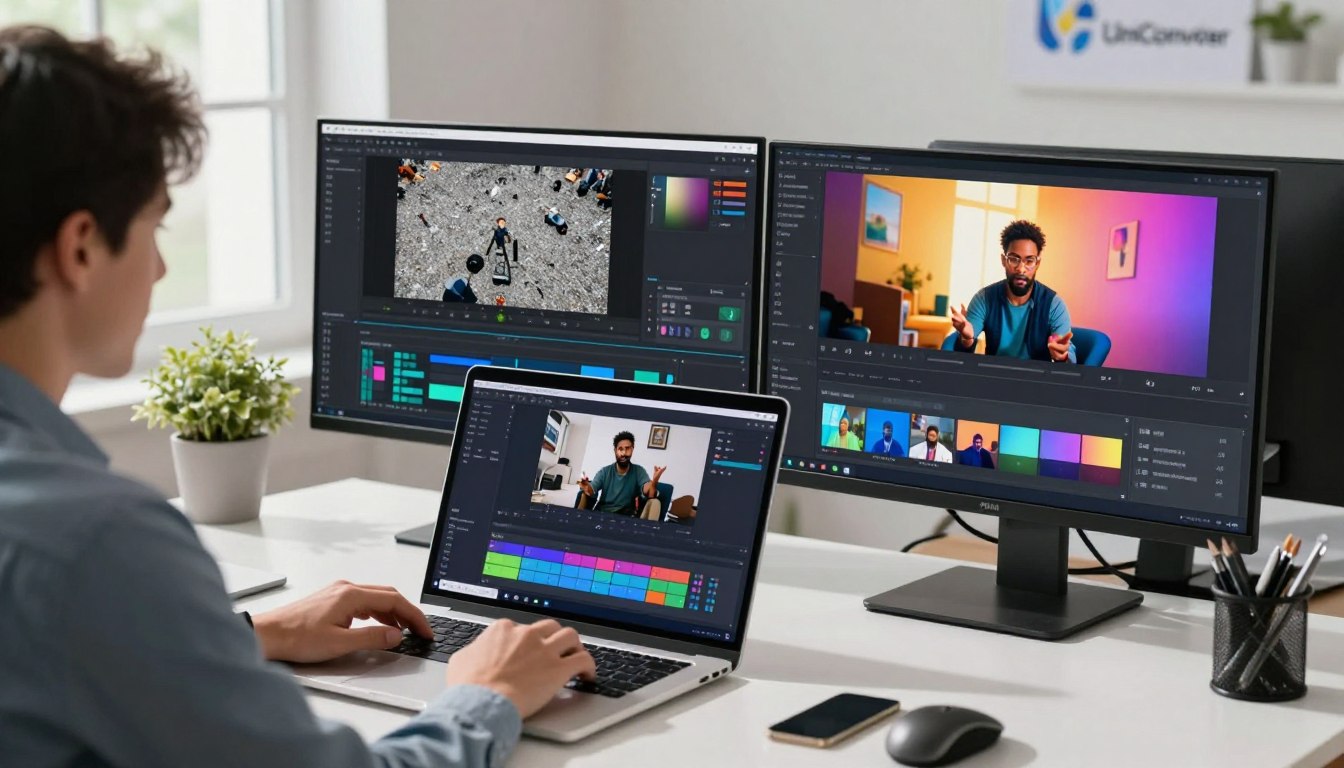
- AI-Powered Editing: AI tools help edit and improve your videos.
- Customization Options: You can customize your videos with different templates.
These features make creating faceless videos easy and fun. With Vmake AI, creators can make professional and engaging videos.
Benefits of Using AI-Powered Faceless Video Editing
Using AI tools like Vmake AI has many benefits. It saves time and effort in making quality videos. The AI ensures your videos look great, which is hard to do by hand.
With Vmake AI, creators can focus on their content and audience. They don’t have to worry about the technical stuff. This lets them be more creative and innovative.
How to Make Faceless Videos with Vmake AI: Step-by-Step Tutorial
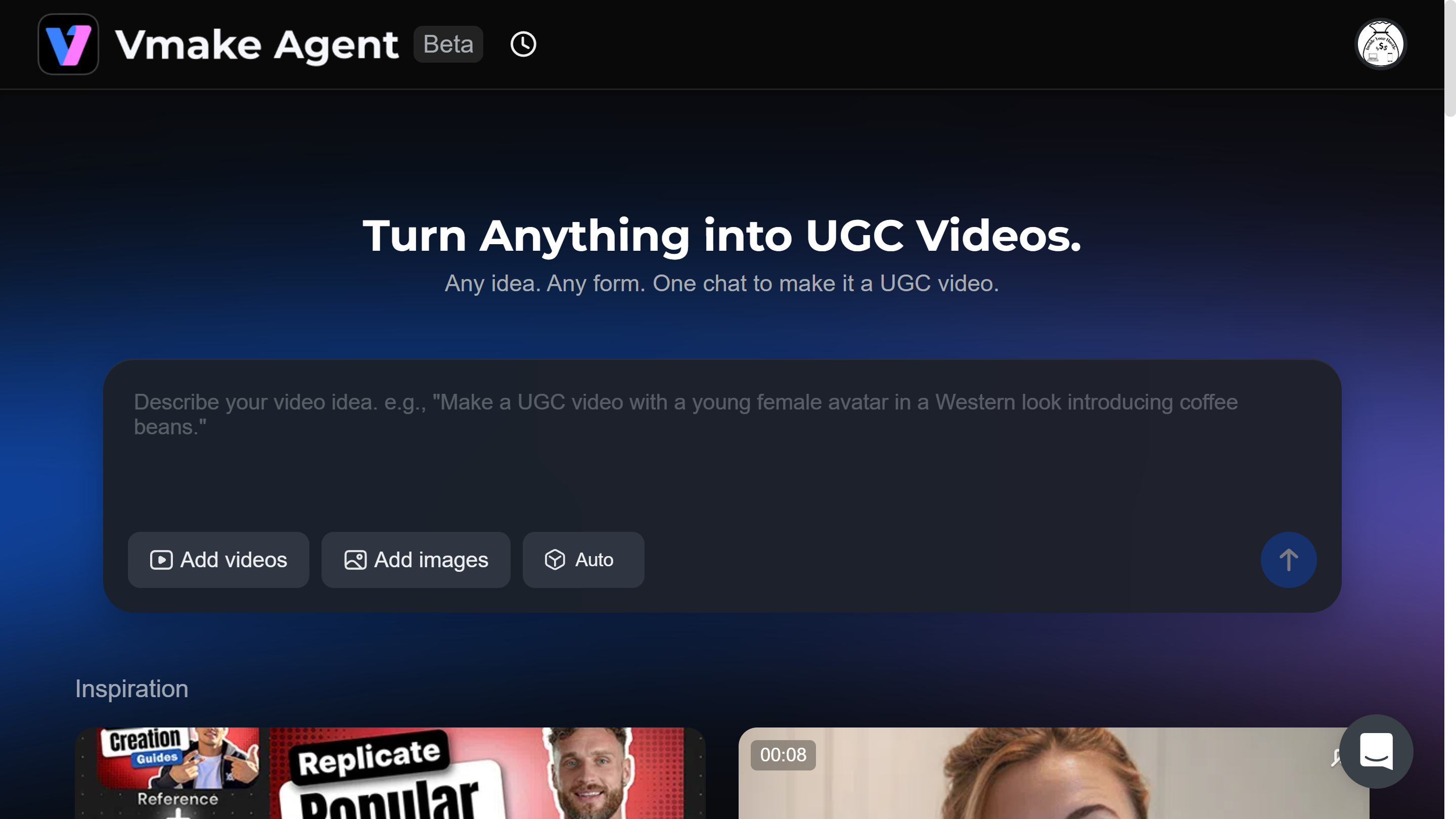
Making faceless videos with Vmake AI is super easy. I’m here to show you how. You can make cool, anonymous videos without any hassle. We’ll cover setting up your account, getting your video ready, applying face masks, and making it your own.
Setting Up Your Vmake AI Account and Workspace
To begin, you need to set up your Vmake AI account and workspace. First, sign up on the Vmake AI site, then verify your email. The dashboard is easy to use, even if you’re new to AI video editing.
Key steps in setting up your account include:
- Signing up with your email or social media accounts
- Verifying your email address to activate your account
- Exploring the dashboard and getting familiar with the tools
Uploading and Preparing Your Video Content
After setting up, it’s time to upload and prepare your video. You can upload from your device or cloud storage. Vmake AI supports many file formats, making it easy to work with different content.
To prepare your video, you can:
- Trim or split your video to focus on the desired segments
- Add text overlays or captions to enhance the narrative
- Adjust the video settings for optimal quality

Applying Face Masking and Anonymity Features
Vmake AI’s main feature is its face masking and anonymity effects. It uses AI to detect and mask faces, keeping people’s identities private.
The face masking feature allows you to:
- Automatically detect faces in your video
- Apply various masking effects to obscure identities
- Adjust the masking settings for optimal results
Customizing Your Faceless Video with AI Tools
After masking, you can customize your video with Vmake AI’s tools. These include AI-powered features for enhancing quality, adding effects, and creating engaging stories.
Some of the customization options include:
- Adding background music or voiceovers
- Applying filters or color adjustments
- Using AI-driven video enhancement tools
By following these steps, you can make professional-looking faceless videos. They’re great for social media or marketing campaigns.
Conclusion
I’ve shown you how to make faceless videos with Vmake AI. It’s a great tool for AI video creation. It helps you make top-notch, private content.
Using Vmake AI, you can make faceless videos easily. You can use face masking and anonymity features. You can also customize your videos with AI tools. This makes it easy to protect your identity or add a unique touch to your videos.
To improve your video content, check out Vmake AI’s features and tools. By using AI video creation and faceless editing, you can make videos that grab your audience’s attention. These videos can be private and still be engaging.
Begin making your own faceless videos with Vmake AI today. See what’s possible with anonymous video production.


Leave a Reply