
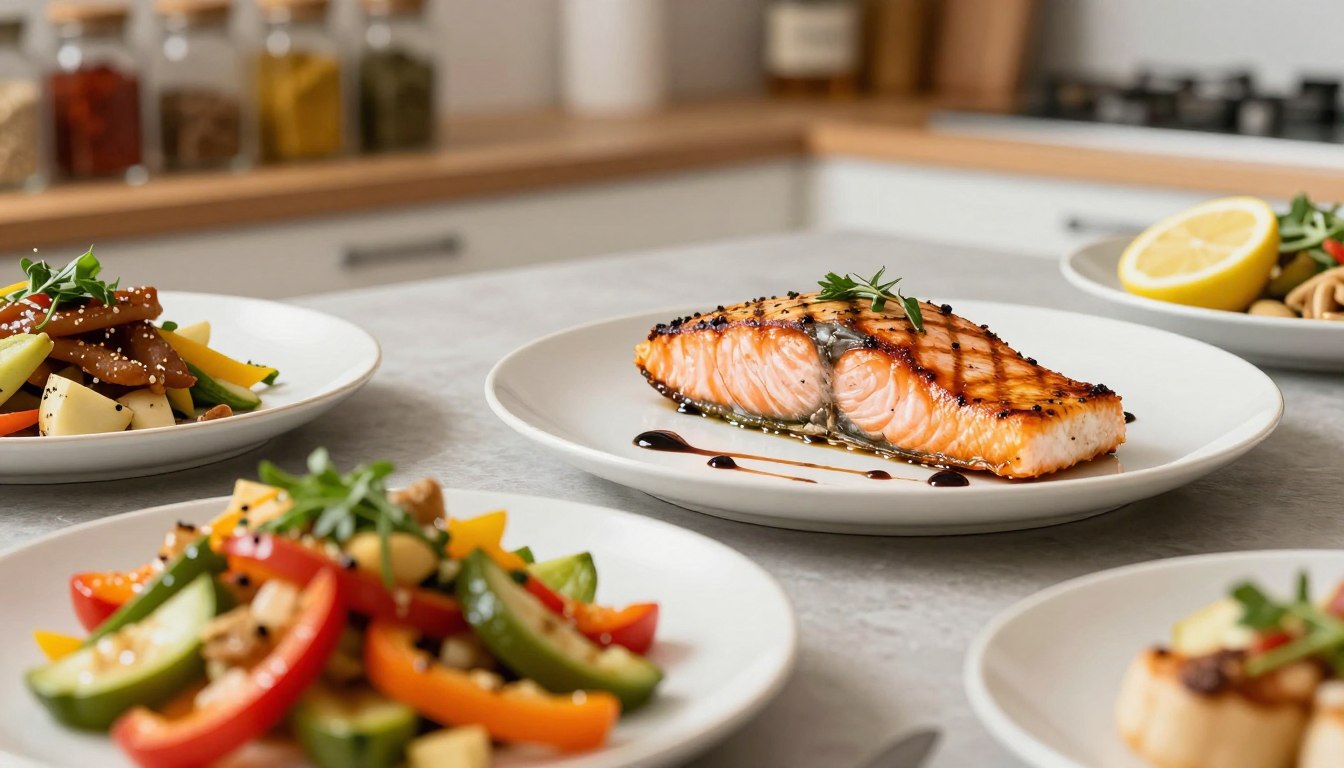
80% of small food creators say better photos would boost their bookings or sales. But most still shoot with a phone. That surprised me and is exactly why I tested Zawa AI Food Photography.
I juggle a day job and several side hustles, so speed and consistency matter. I wanted to see if Zawa AI could truly transform phone food pics into pro photos fast. This would let me build a repeatable mobile photography workflow without buying bulky gear.
At a glance, Zawa combines an app-based camera and editor with AI-powered editing. It also offers food-specific styling prompts and platform-ready post creation. The Zawa App isn’t just about one-click fixes — it offers planning, content direction, and scheduling. This helps turn smartphone photography into a business tool.
My test plan was simple: shoot with a mid-range phone, take quick snaps in natural and dim indoor light. Use the Zawa AI camera app, run images through phone photo editing and the editor. Make posts ready for Instagram and TikTok. I measured speed (minutes per image), quality (professional look), and usability (learning curve).
I’m focused on practical outcomes: better visuals that convert into bookings, menu views, sponsored posts, or product sales. If Zawa ai food photography can reliably turn phone food images into platform-ready content, it could open real revenue paths for creators like me.
In the next section I share hands-on results—what the app felt like at startup, camera interface choices, preset behavior, export quality, and how Zawa compares to standard phone editing tools based on direct use.
I Tested Zawa AI Food Photography: Turn Phone Food Pics Into Pro Photos Fast
I’ve been working on a side business selling food content. I needed a tool to quickly turn my phone snaps into professional images. Zawa AI food photography seemed like the perfect solution. It promises to transform casual photos into market-ready images with ease.
The app offers three main stages: deciding what to shoot, how to capture it, and editing it. The camera mode guides you on light and angle. It also has presets for texture, color, and depth to make food look appetizing.
Zawa’s AI tackles common issues like bad white balance and shiny highlights. It makes editing faster, so I can post more often. This saves time and keeps my content consistent without needing a studio photographer.
The app also gives tips on food styling and composition. Small changes, like adjusting a garnish, can make a big difference. This helps my menu items get more clicks and my posts get more engagement.
For small business owners, Zawa’s workflow is a big advantage. It has fewer editing steps and targeted presets. This makes it easy to transform phone images and export them for social media without a lot of extra work.
Usability is key for me. Zawa’s interface is simple and easy to follow. Even non-photographers can use it to create professional photos quickly with minimal training.
However, there are some limitations. While presets are great, sometimes you need to make manual adjustments for complex dishes. Also, the cost of subscriptions can be a concern for some budgets. For high-end or stylized shoots, hiring a professional is still the best option.
For entrepreneurs and creators, Zawa AI is a practical tool. It helps maintain a consistent posting schedule, improves visual branding, and supports monetization efforts. It’s a great way to enhance your menu views and attract sponsored opportunities.
Hands-on test: workflow, editing tools, and tips for fast pro photos
I went through a shoot-to-post process to show you how I improve food photos. I set up near a north-facing window and used a white plate and printer paper as a reflector. For better phone food photography, use steady hands or a tripod and style quickly.

I took three shots: close-up, 45-degree, and flat lay. These shots help the app choose the best composition. I used the Zawa AI camera mode to keep white balance steady and avoid blown highlights.
Inside the app, I picked a food-specific preset and tapped the ai-powered editing boost. The app’s fast editing tools improved warmth, saturation, and texture clarity. I used quick sliders to rescue details and a brush to sharpen the focus.
Presets made editing fast. Base edits took a few taps and under two minutes per image. Building a final post took about five minutes. This speed is great for busy entrepreneurs.
For export, I chose high-resolution JPEGs and used Zawa’s direct-share options. I customized captions and saved hashtag sets for different dishes. This makes scheduling posts easy for small businesses.
When edits felt too much, I dialed back AI strength or reshoot. Knowing when to reshoot or edit is key for natural results. I sometimes fine-tuned edits in a secondary app for more control.
My before-and-after notes showed clearer textures and truer colors after editing. The app offers fast, near-pro results. Use these tips to speed up your workflow and keep your feed consistent.
Conclusion
I tested Zawa on real shoots and quick social posts. My conclusion is clear: Zawa does a great job of making phone food pics look pro. It’s fast and easy to use, especially for food.
It’s perfect for entrepreneurs, restaurant owners, and food bloggers. If you’re short on time and money, Zawa helps a lot. It makes posting easy and your photos look better.
But, there are some things to keep in mind. The cost might be too high for very small budgets. Also, some photos might need extra work to look perfect.
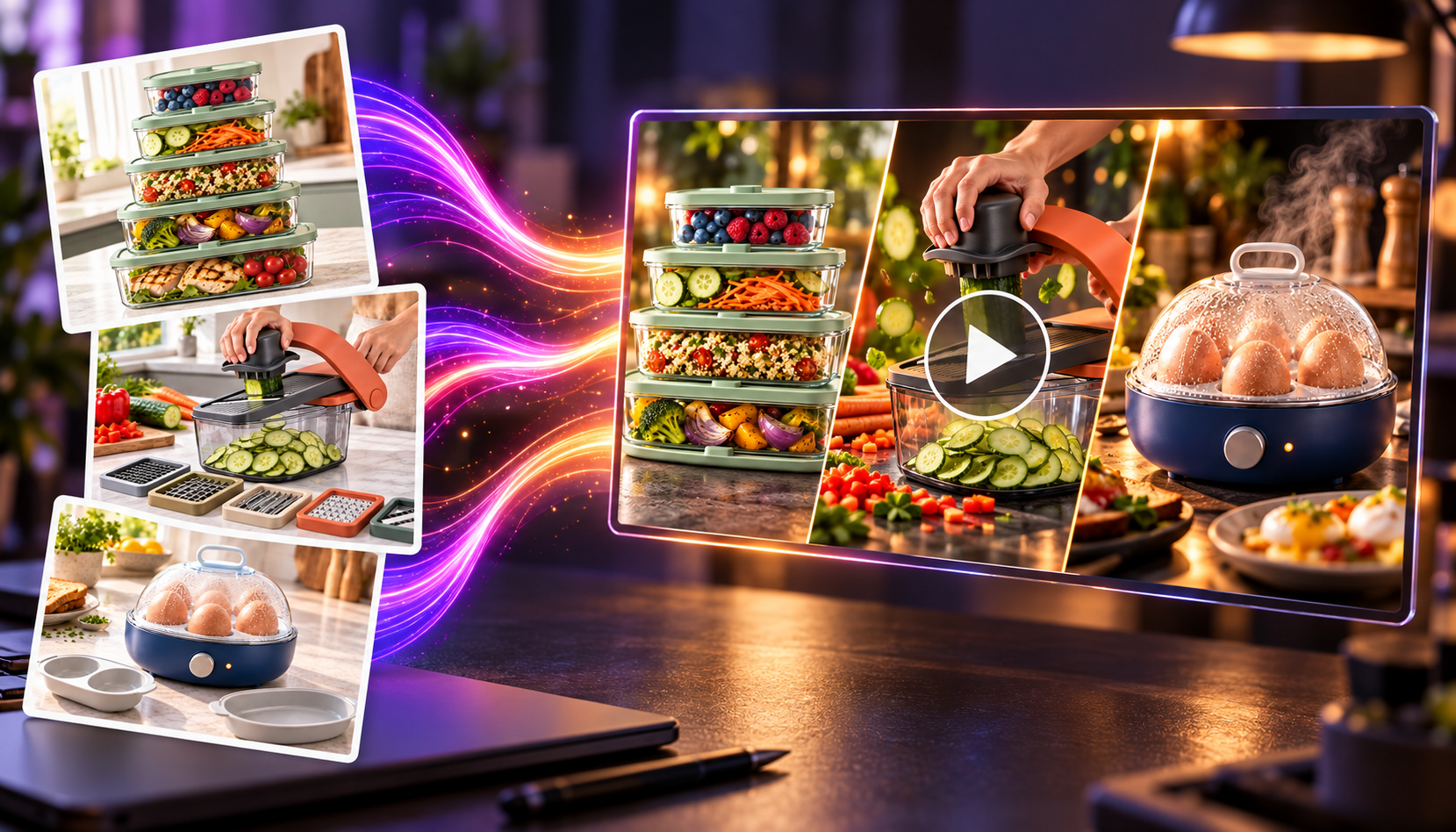
Still, learning a bit about photography can help a lot. Tools like Domo AI can also make your photos into videos. This can really boost engagement.
My advice is to try Zawa for a week. See how it changes your posts and your income. With the right tools and habits, you can make great photos and earn more.


Leave a Reply