
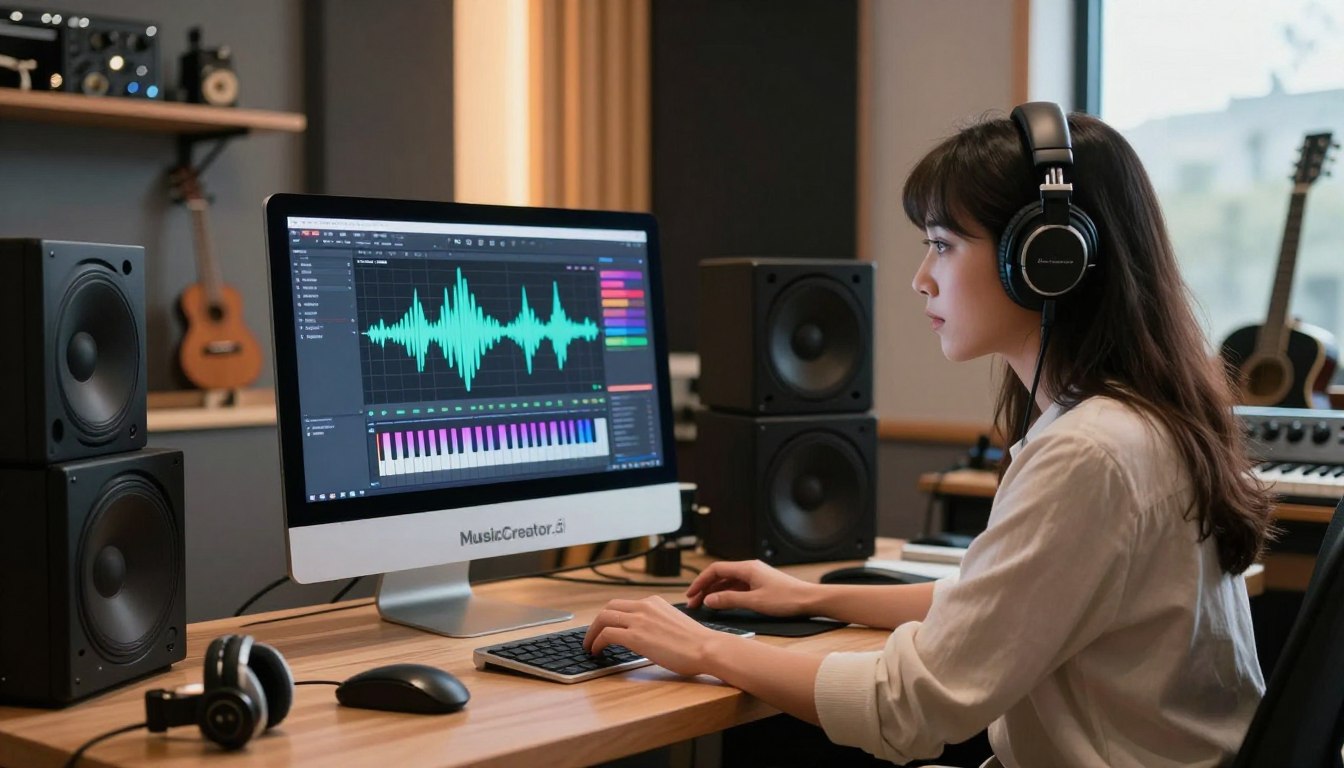
Did you know nearly 60 percent of artists use AI in their music? This fact surprised me. That’s why I explored musiccreator.ai to see if AI-generated music could help with side income and creativity.
I tested MusicCreator.ai to see if it could help me earn from music. I looked for ways to make stock tracks, podcast beds, and more. I wanted to know if AI could speed up music creation and produce good quality music.
In this guide, I’ll share my experience with MusicCreator.ai’s tools. I tested Text to Music, Lyrics to Music, and more. Musiccreator.ai seems like a complete music creation software, not just a single tool.
I’ll show you how I used each tool, how long it took, and the quality of the music. I’ll also talk about the costs and give tips. This way, you can decide if AI music creation is right for you.
I’ll also discuss the bigger picture of AI in music. I’ll look at how the industry is changing and what this means for creators. For more on AI in music education, check out this Berklee overview: AI and music: what musicians need to know.
Next, I’ll give you a detailed look at MusicCreator.ai. I’ll share my hands-on experience and what I learned. If you’re interested in AI for music, you’re in the right place.
Overview of MusicCreator.ai and AI Music Technology
I’ve explored platforms that aim to bridge the gap between idea and final track. MusicCreator.ai is a suite powered by AI. It combines composition, vocal and instrumental processing, mastering, MIDI generation, and media outputs. It’s designed for creators of all levels, speeding up the creative process.
Who benefits the most? Solo entrepreneurs, YouTube creators, indie musicians, and freelance producers see the biggest advantage. For those with a side business, MusicCreator.ai’s tools help you work faster and save money. This is compared to hiring session players or spending hours in the studio.
At its core, MusicCreator.ai offers tools you’ll use every day. Text to Music turns prompts into musical ideas or full tracks. Lyrics to Music matches lyrics to melodies and arrangements. The AI Lyrics Generator helps when you’re stuck.
The suite also includes an AI Song Cover Generator for new takes, an AI Stem Splitter and AI Vocal Remover for stems and licensing-safe instrumentals, and AI Music Mastering for distribution prep. AI MIDI Tools and Instrumental Generator produce MIDI and finished instrumentals for DAWs.
There are also genre-specific helpers. An AI Rap Generator crafts beats and flows for hip-hop. A Key & BPM Finder analyzes uploads to detect tempo and key. Simple AI Music Video tools create visual accompaniments for short-form content.
Compared to the wider AI music market, MusicCreator.ai stands out. It offers a complete workflow from start to finish. Unlike many tools that focus on a single output, MusicCreator.ai groups composition, editing, and publishing. This lets creators go from a prompt to a publishable asset in one place.
This integrated approach is key for those monetizing music. Music production ai and music composition ai features allow for quick content creation. This is for licensing, social channels, and client work. Faster turnaround and lower costs mean more room for new income streams.https://www.musiccreator.ai/?ref=2G6LU9
It’s important to note ethics and legality. Ownership of AI-generated music can be unclear, and licensing rules vary. Always check terms before using generated stems or covers in paid projects to ensure rights are clear.
For those chasing financial independence, a music maker ai that integrates tools can be a valuable mentor. It shortens the path from idea to product, maintains quality, and supports repeatable workflows. This can grow a side business into a reliable income stream.
I Tested MusicCreator.ai: Can AI Make Music You’d Actually Use?

I started this test with clear goals. I wanted to see how AI could help in real business scenarios. I timed everything to see how fast I could get from idea to final product.
I worked on several projects. These included a 60-second promo score, a pop song, an instrumental for stock music, and a rap beat. I tracked how long it took to get the first draft and how much editing was needed.
I used specific prompts to guide the AI. It quickly turned these prompts into music. Some parts needed tweaking, but the AI got the basics right.
When working with lyrics, the AI suggested melodies. But, matching the melody to the lyrics was tricky. I had to fine-tune it in a digital audio workstation (DAW) to sound natural.
The AI also helped with rap beats. It offered different options and rhythms. While some felt too formulaic, others sparked creativity.
I used the instrumental generator to create MIDI files. Then, I could change instruments and arrangements in a DAW. The platform made it easy to work on the music further.
I also tried AI music mastering. It made the music sound louder and more balanced. Sometimes, I preferred to make manual adjustments to keep the music dynamic.
I tested the AI song cover generator for social media posts. It worked well for quick content. But, users should be careful about copyright issues.
For short video loops, the AI music video tools were helpful. They allowed me to create content quickly. This sped up my marketing campaigns.
I judged the AI’s output based on several factors. It was great at quick prototyping. The average time to get a first draft was between five to twenty minutes. The platform also offered easy export options.
For small businesses and creators, these tools are a game-changer. They save time, lower costs, and open up new revenue streams. While AI is helpful, the human touch is still needed for uniqueness.
My testing showed both the AI’s creativity and its limitations. The balance between AI and human touch is key. This test gave real insights into using AI in a workflow.
Hands-on Review: MusicCreator.ai Features, Performance, and Usability

I tested MusicCreator.ai’s main features over several sessions. I looked at how well they work in real-world scenarios. I’ll share my findings, including the good and the bad, to help you use them effectively.
The Text to Music tool was impressive with its speed and variety. It’s great for quick ideas and mood boards. The pros are that it creates demos fast. The cons are that transitions can sound robotic and arrangements might need tweaking. Tip: use specific details like genre and instrumentation to get better results.
The Lyrics to Music tool helped me when I was stuck on a hook. It quickly generates verse and hook options. The pros are its speed. The cons are that phrasing and rhymes can feel off. Tip: edit the output to sound more natural before finalizing.
The AI song cover generator is perfect for quick social media clips. It creates royalty-safe covers fast. The pros are its speed. The cons are that complex songs might lose some quality. Tip: use covers for demos and promos unless you have legal clearance for commercial use.
The AI stem splitter and vocal remover sped up remixing. It’s great for making instrumental beds quickly. The pros are its speed. The cons are that dense mixes can produce artifacts and imperfect isolation. Tip: run separation on high-quality files and use spectral repair in a DAW when needed.
AI music mastering saved me time on quick releases. It delivers consistent loudness and balance for demos. The pros are its consistency. The cons are that it lacks the touch of a seasoned engineer. Tip: compare AI masters to a reference track and adjust processing intensity to fit your project.
AI MIDI tools and the instrumental generator export MIDI that’s easy to edit. The pros are that MIDI exports allow customization and VST swapping. The cons are that arrangements can feel generic and need human touch. Tip: humanize velocity and timing after export to add realism.
The AI rap generator helped me frame beats and cadence ideas. It’s useful for quick beat and flow scaffolds. The pros are its usefulness. The cons are that synthesized vocal suggestions often need heavy editing for authentic delivery. Tip: pair AI beats with human vocal recordings for best results.
The Key and BPM finder was consistently helpful for syncing and remix work. It’s fast and reliable. Tip: double-check detected keys in a DAW if something sounds off before going further.
AI music video tools offered fast visual content for social platforms. They’re great for quick creation for short-form posts. The pros are their speed. The cons are that customization is limited compared with dedicated video editors. Tip: use generated clips as a starting point, then refine in Premiere Pro or DaVinci Resolve.
The interface was fairly intuitive. Menus and presets make music production with ai easier. New users can get productive quickly. Templates speed up common tasks and reduce friction when iterating on ideas.
Export options are practical: MP3, WAV, stems, and MIDI are all covered. MusicCreator.ai supports direct downloads and cloud transfers to your DAW, making collaboration and offline polishing easier.
On performance, simple projects render fast. Larger tracks and stem exports take longer and can queue. I saw occasional latency on concurrent exports, so plan heavy batches overnight for efficiency.
Pricing tiers follow a familiar model: trial limits with watermarking or export caps, then paid tiers that unlock stems, higher fidelity, and commercial rights. For entrepreneurs, the cost-benefit depends on output volume and how much human polishing you add.
Real-world tips I use: work iteratively—start with AI drafts and refine in a DAW. Use MusicCreator.ai performance to scale stock music packs and social audio offerings. Combine AI tools with human collaborators for vocals, mixing, and advanced mastering when higher-end results are needed.
Summary of strengths and weaknesses: Pros include a comprehensive feature set, fast ideation, and useful exports like MIDI and stems. Cons cover varying audio quality on complex material, artifacts in stem separation, and legal or ownership questions that require verification before commercial use.
Conclusion
I tested MusicCreator.ai on many projects, and it’s clear: this platform is a great all-in-one tool. It helps you make tracks fast. It’s good for quick music for videos, demos, and side projects.
It’s not as good as a top producer, but it makes music creation easier for beginners. This is thanks to AI tools like text-to-music and AI Lyrics Generator.
If you make content, indie music, or audio products, try MusicCreator.ai. Start with the free or trial version. Test it on a small project to see how it works.
Use the stems in your DAW to add a personal touch. This way, you can make music creation faster and more efficient.
Try the Text to Music and Stem Splitter on a short piece. Then, plug the MIDI into Ableton or Logic for tweaks. Create a workflow, like making 10 short instrumentals a week, for stock libraries.
Always check licensing and terms before using AI music in paid work or releases. This avoids any legal issues.
I think the best AI music software should help you grow while keeping your creativity. MusicCreator.ai is great for speeding up music production and testing ideas. With patience and smart editing, it can open new ways to earn and grow creatively.
Remember, your own taste and judgment are still key. For help, check the official documentation, tutorial videos, and forums on the platform.



Leave a Reply